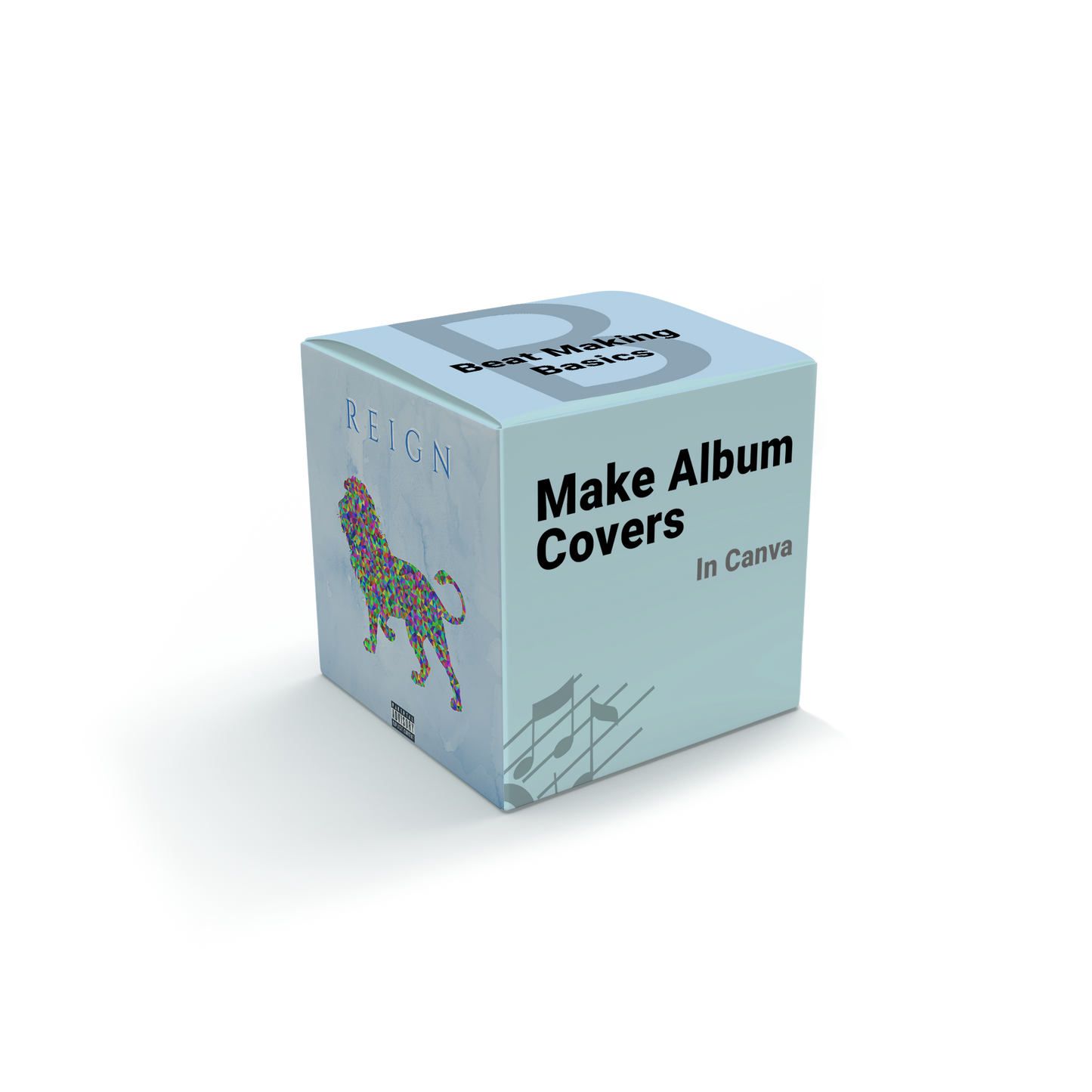
Beat Making Basics
Make Album Covers In Canva
Couldn't load pickup availability
Stop Releasing Music With Cover Art That Looks Thrown Together
Your beat might be finished, but if the cover art looks rushed or generic, it doesn't get the same respect. Most producers skip this step entirely or slap something together last minute — and it shows.
Make Album Covers in Canva is the step-by-step course that teaches you how to design real, professional-looking cover art for your music, no design experience required.
WHAT'S INSIDE
- How to navigate Canva with confidence
- How to create your own backgrounds from scratch
- How to add text and elements that actually look intentional
- Access to over 15,000 royalty-free images to use in your designs
- How to build your own designs step by step, start to finish
WHY THIS COURSE HITS DIFFERENT
- No design background needed — built for producers, not graphic designers
- A real step-by-step process, not just random Canva tips
- 14 files included, covering everything from basics to finished designs
WHO THIS IS FOR
If you're releasing music and want cover art that actually looks professional, this course gives you the exact process to bring your artistic vision to life.
GET IT NOW
Make Album Covers in Canva — $29
Includes 14 files. Instant download after purchase.
PS. Want it all? The Beat Making Master Bundle includes this course plus every other course, kit, and template — for $497.